





Introduction — Why an Audioguide in Krakow Makes All the Difference
Sightseeing in Krakow without an audioguide is like hearing Chopin as background noise: you catch the tune, but you miss the details. Compact and steeped in history—from Wawel Royal Castle to the winding streets of Kazimierz—Krakow benefits from a guide that speaks at the right moment, in the right place, and in the right language. A well-configured audioguide helps you skip lines, control the pace of your visit, and unlock local stories that signs and leaflets rarely capture.
This practical guide gives you concrete steps, exact addresses, prices in euros, and useful opening hours to get an audioguide working for you from the moment you arrive. You’ll find: how to choose between an app or a physical device, which sound and GPS settings matter most, where to rent a device, how to download routes for offline use, and local tips (quiet times, shortcuts to avoid crowds, handy Polish phrases, and how to combine an audioguide with a live guided tour). No fluff—just checklists and numbered steps so your ears and your time are optimized.
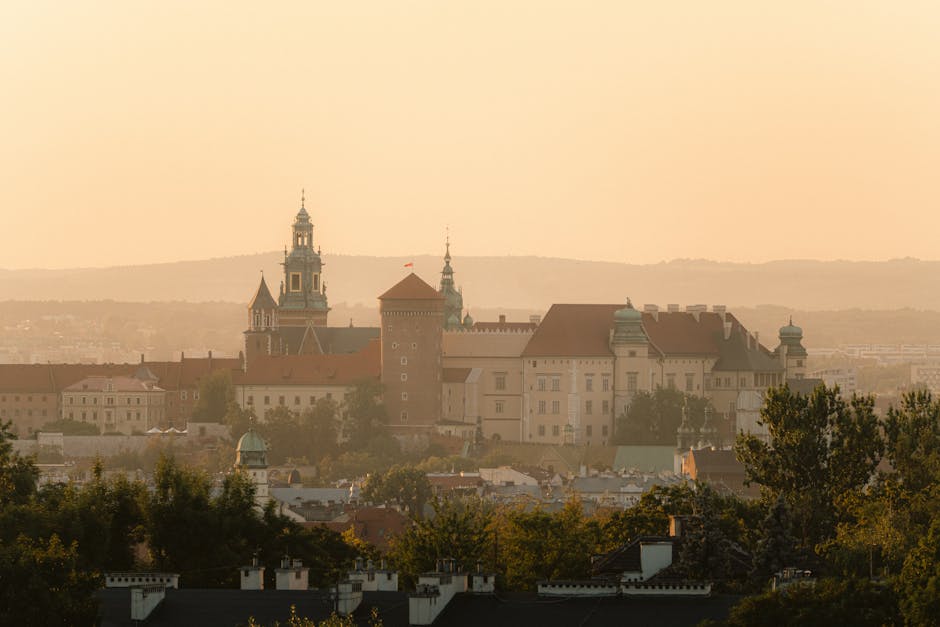
Concrete examples included: the address for Wawel Royal Castle (Wawel 5, 31-001 Kraków) with indicative prices in euros, a possible pick-up point for an audioguide, and practical opening times for major sites. You’ll know exactly what to tap in apps (airplane mode + hotel Wi‑Fi, download the route, calibrate GPS) and when to put your headphones on to enjoy a narration about the Wawel dragon or the Hejnał played from St. Mary’s Basilica.
1) Picking the Right Audioguide and Where to Collect It
Before launching into an app at random, decide whether you want: 1) a physical device provided by a tourist office or museum, 2) a paid smartphone app (VoiceMap, izi.TRAVEL, Rick Steves Audio, PocketGuide), or 3) a free app with in-app purchases. In Krakow, some museums lend audioguides on-site; alternatively, apps let you self-guide through the Old Town.
Useful addresses to pick up a physical audioguide or get help:
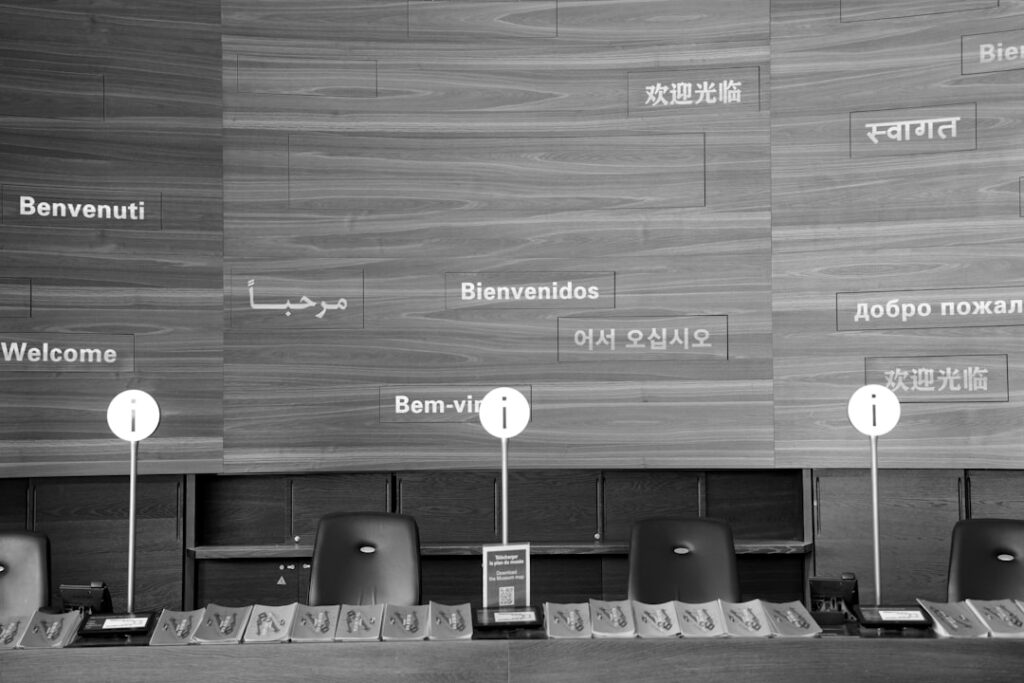
- Krakow Tourist Information – Rynek Główny 1, 31-042 Kraków. Opening hours: daily 09:00–19:00. Services: audioguide rentals for walking tours (approx. €12–18 for 24 h), maps and advice.
- Wawel Royal Castle (Zamek Królewski na Wawelu) – Wawel 5, 31-001 Kraków. Ticket office: open 09:30–17:00 (Apr–Oct) / 09:30–15:30 (Nov–Mar). On-site audioguides: around €6–9 for interior tours.
- Museum of Municipal Engineering / Oskar Schindler’s Enamel Factory – ul. Lipowa 4, 30-702 Kraków. Ticket office: Tue–Sun 10:00–18:00. Audioguides available and audio routes in the museum app.
Prices and payment: most places accept card and cash; budget €10–20 if you rent a physical device for the day. For apps, expect €0–10 per route; some offer a one-time purchase for multiple routes (e.g. €8–12 for a full Krakow pack on VoiceMap). Bring your passport if a deposit is required (often €50–100 or a card imprint).
2) Essential Settings on Your Phone and Audioguide: Sound, GPS, Languages
Getting your device settings right is the foundation of a smooth visit. Follow these numbered steps before entering a site:
- Download the route offline: open the app (izi.TRAVEL, VoiceMap, Google Maps offline for reference) and download the full route before you reach the Old Town. Recommended: use hotel or café Wi‑Fi. Typical Krakow pack size: 150–300 MB.
- Enable GPS and high accuracy mode: in Settings > Location > High accuracy (Android) or Location Services (iOS). This reduces dropouts in narrow alleys and courtyards.
- Adjust sound: set system volume to 60–70%, use a ‘‘voice’’ EQ or reduce bass. Use closed-back headphones to cut Market Square noise. If the app offers playback speed (1.0x), keep it default the first time.
- Language and voice: check that the English version is complete (some routes only have partial translations). If the synthetic voice sounds poor, opt for a human-recorded narration—often an extra €1–3.
- Auto-pause settings: enable the feature that pauses narration if you wander away from a point of interest (handy if you stop for a snack without losing your place).
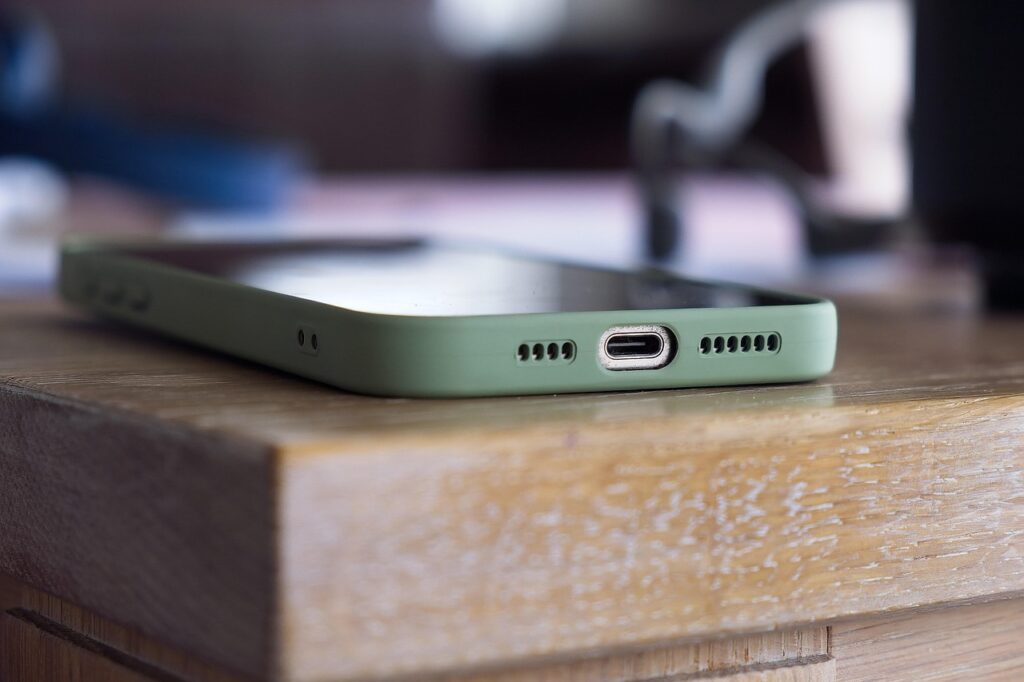
- Battery: charge to 100%. Bring a 10,000 mAh power bank (average cost €20–35) and a USB‑C/Lightning cable. Turn off push notifications from unused apps to save power.
Quick checklist before you head out: charged device and secured power bank, headphones, full offline download, payment card for a deposit, noise-cancelling headphones for long visits. If you’re using a rented audioguide, ask the desk for instructions and test the sound before you leave.

3) Recommended Routes and Local Tricks to Avoid Crowds
Krakow is best visited in the early morning or at dusk. Here are three audio routes optimized with suggested start times, durations, and crowd-avoidance tips:
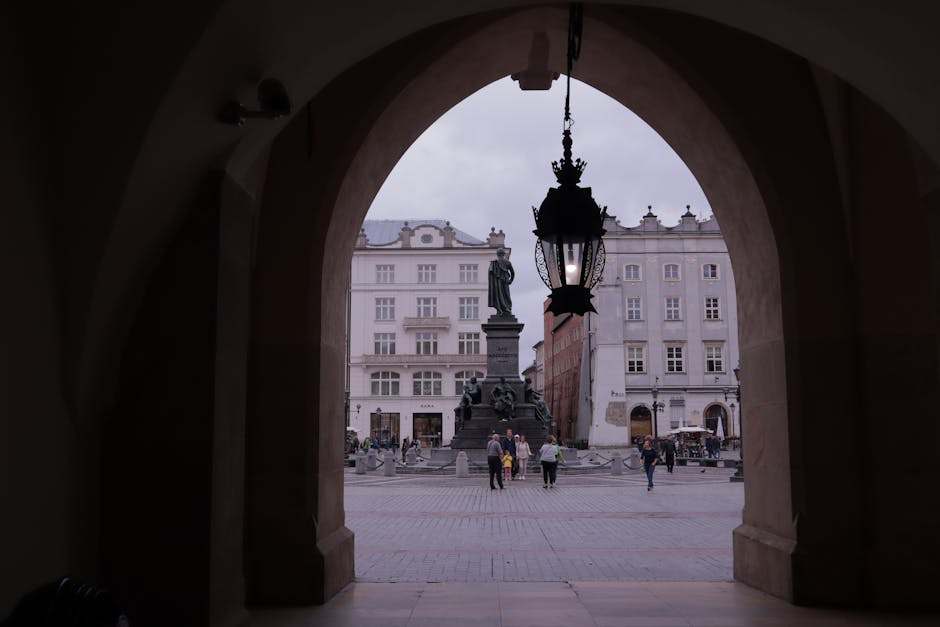
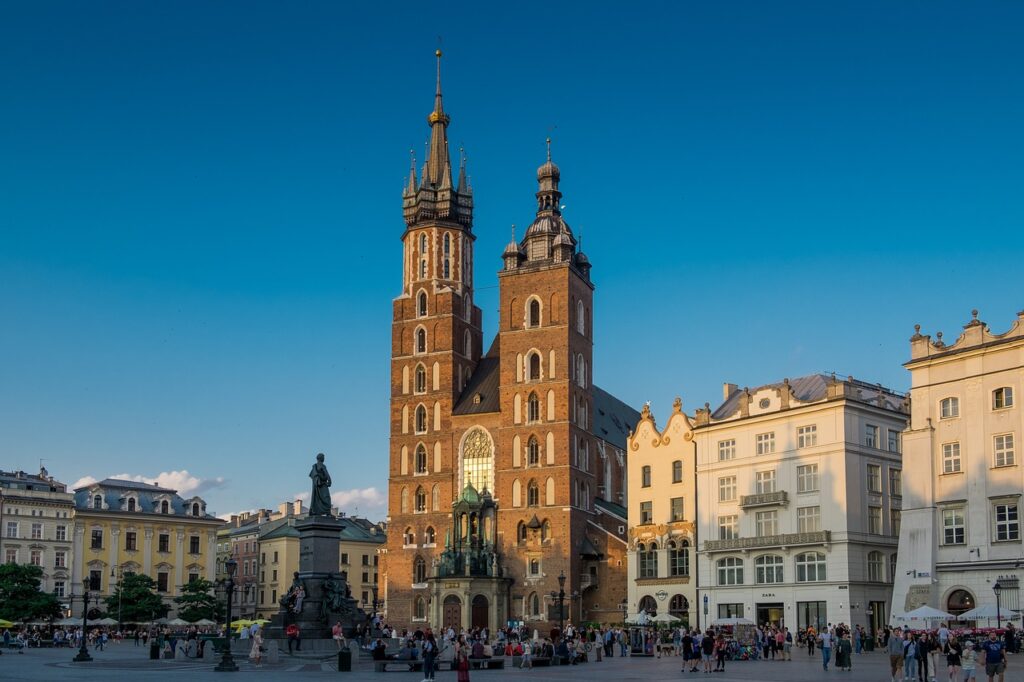
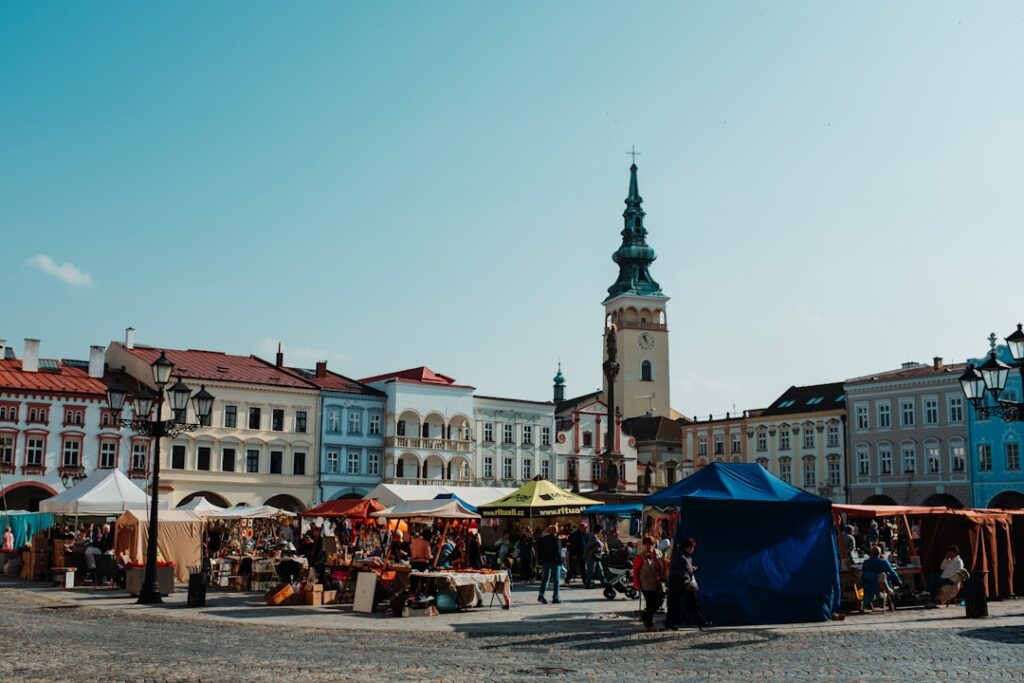
- Route A — Old Town & Market Square (Rynek Główny 1–3): duration 1h30–2h. Suggested start 08:30–10:00. Highlights: Cloth Hall (Sukiennice), St. Mary’s Basilica (Plac Mariacki 5), Hejnał mariacki. Tip: start on the east side of the square (ul. Grodzka) and make your way to the basilica to avoid coach groups that unload around 11:00. Indicative price: tower entry for St. Mary’s ~€3 (stairs).
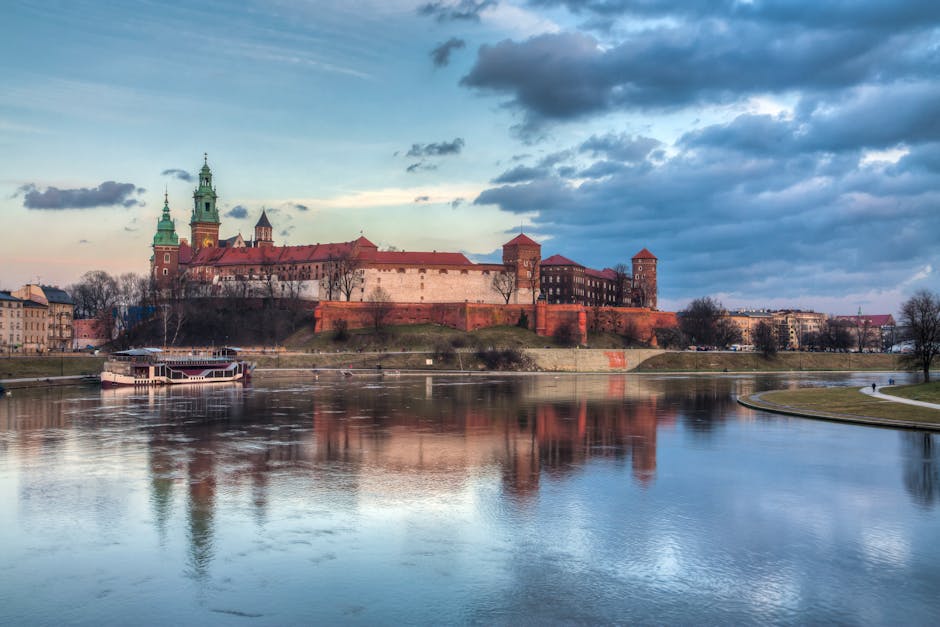
- Route B — Wawel and the Vistula riverside: duration 2–3h. Suggested start 09:30 or 16:00. Highlights: Royal Castle (Wawel 5), Wawel Cathedral, the Wawel Dragon (smok wawelski) by the bridge. Tickets: Castle Museum €9 (State Rooms), €6 (Crown Treasury). Tip: visit the cathedral early to catch the chapel acoustics and avoid the queue for the treasury chamber.
- Route C — Kazimierz (the Jewish quarter) & Oskar Schindler’s Factory: duration 2h. Suggested start 10:00–13:00. Schindler address: ul. Lipowa 4. Museum entry €8–10. Tip: explore the cafés around Plac Nowy after the audio; the best zapiekanki (pizza-style open sandwiches) are on ul. Szeroka.
Crowd tip: enable crowd-alert notifications in certain apps (if available), and allow an extra 15–20 minutes for Wawel entry during high season (May–Sept). If you hear a direction like « turn left, » use visual markers (statues, signs) instead of street names that might be local or unfamiliar.
4) Common Problems and Quick Fixes On Site
Even well-prepared visitors can run into issues: GPS dropouts, interrupted narration, low battery, or the wrong language playing. Here are practical, immediate fixes:
- Unstable GPS: toggle airplane mode on and off, then re-enable GPS and relaunch the app. If it keeps failing, switch to « manual trigger » mode (some apps let you advance to the next point manually).
- Audio cuts out: check both the system volume and the app’s volume; try playing another audio file (music) to test output. If the problem is your earbuds, swap them—several kiosks on the Rynek sell basic earbuds (~€3–6).
- Missing translation: note the POI number in the app and look for a « text » or « transcript » tab—these are often available. You can also enable captions if the app supports them.
- Low battery: find a café with power outlets (e.g. Charlotte Chleb i Wino, Plac Szczepański 2, open 08:00–22:00) or duck into a shop to charge briefly (usually free if you make a small purchase of €3–6).
- Returning a rented device: bring it back to the same desk before closing to avoid penalties. Note the return time on your receipt (often a 1-hour grace period is allowed).
Quick repair checklist: cable + power bank, spare earbuds, a printed QR code for the route, and a list of addresses. If you have a hardware issue inside a museum, ask the desk—staff usually speak English and can often provide an immediate replacement.
Conclusion — Getting the Most Out of Your Audioguide in Krakow
Using an audioguide in Krakow isn’t just about tech convenience; it’s a way to converse with the city. Properly set up, an audioguide turns names and dates into living stories—the legend of the Wawel dragon, the quiet windows of the Remuh Synagogue, or the Hejnał played from St. Mary’s tower. This guide has given you precise steps: where to pick up a device (Rynek Główny 1), how to set GPS and audio, which route to choose depending on the time of day, and how to troubleshoot common issues.
Remember to download routes before you arrive, bring a power bank and closed-back headphones, and check museum hours (Wawel: 09:30–17:00 in summer, Schindler: Tue–Sun 10:00–18:00). Prices in euros help you plan: €6–9 for a museum audioguide, €10–20 for a day rental, and €0–12 for quality apps. Time your visits: starting early at Rynek Główny or finishing the day along the Vistula makes a big difference.
Finally, don’t forget the most important part: let the audioguide tell the stories, but also take moments to simply listen to the city—sit on the steps of Wawel facing the Vistula, breathe in the market coffee, or enjoy a distant musician on the bridge. With this practical guide, you have everything you need to turn a walk into a rich, memorable experience.